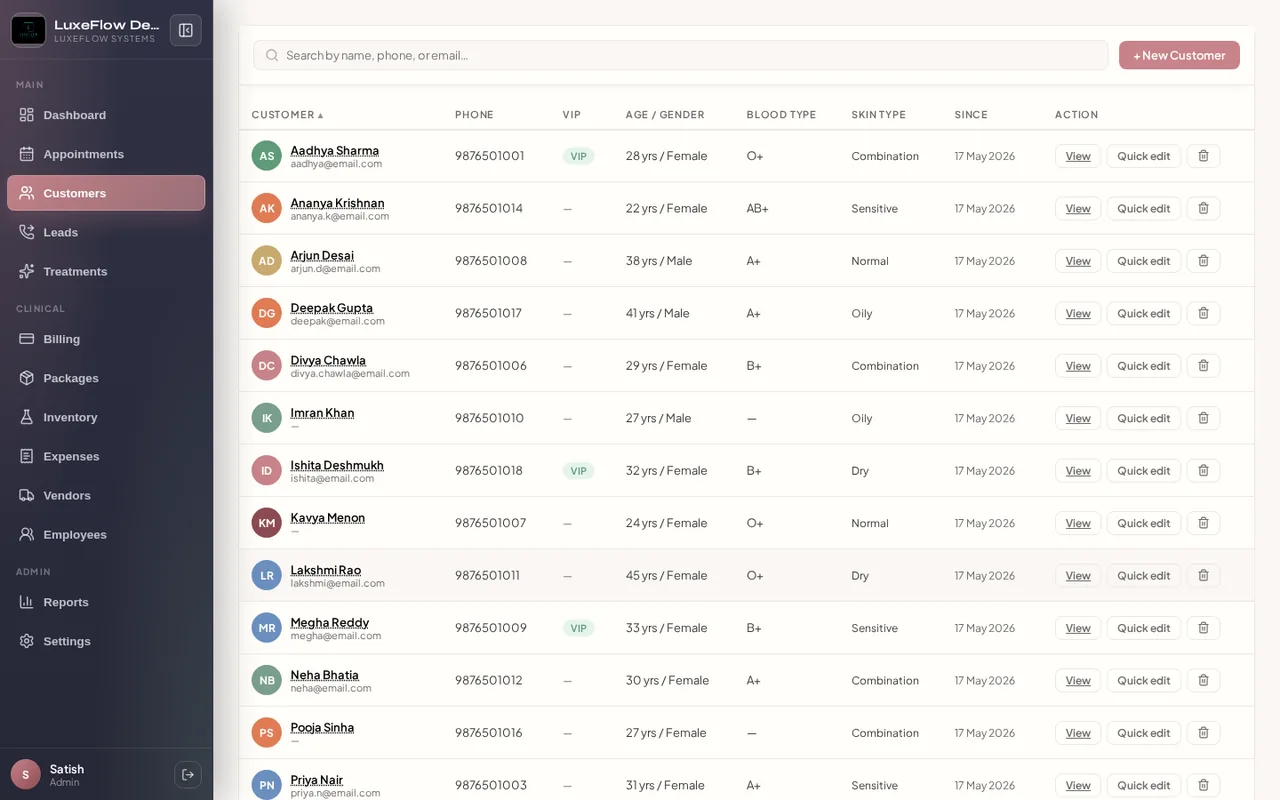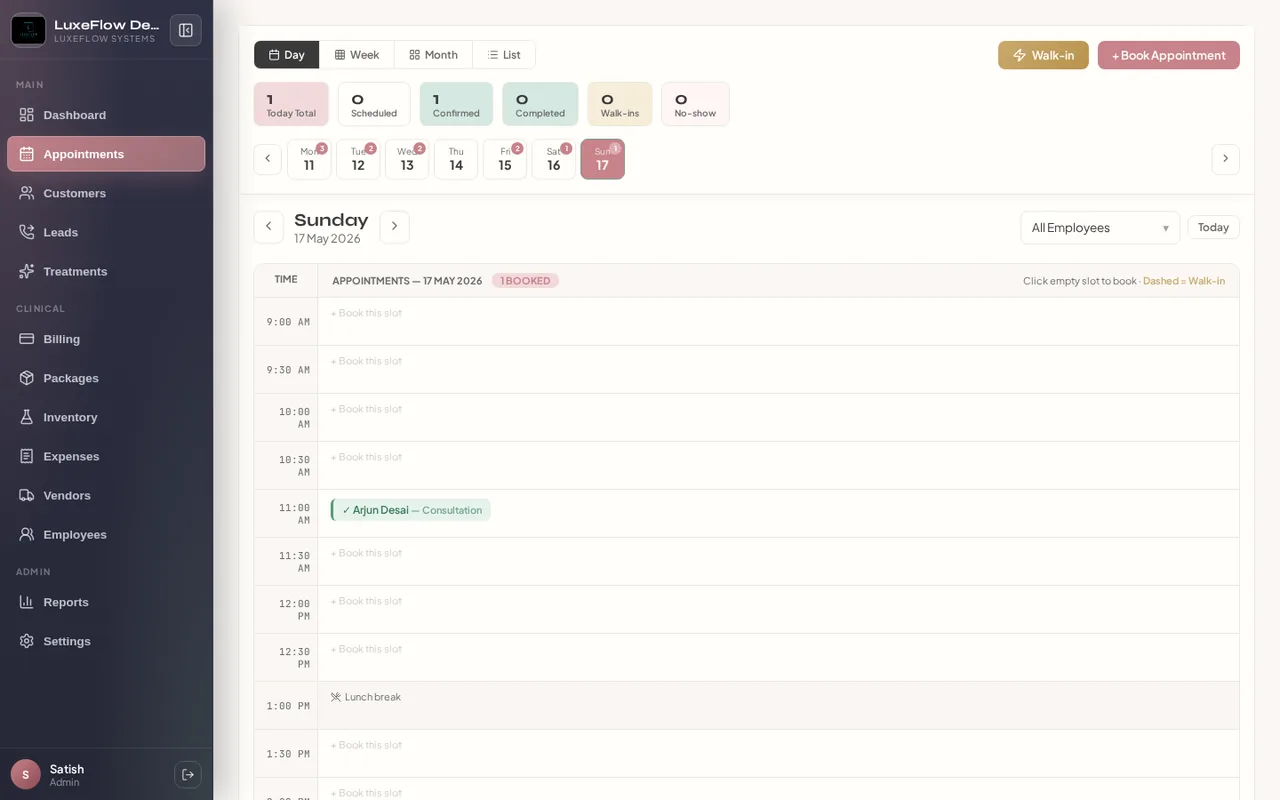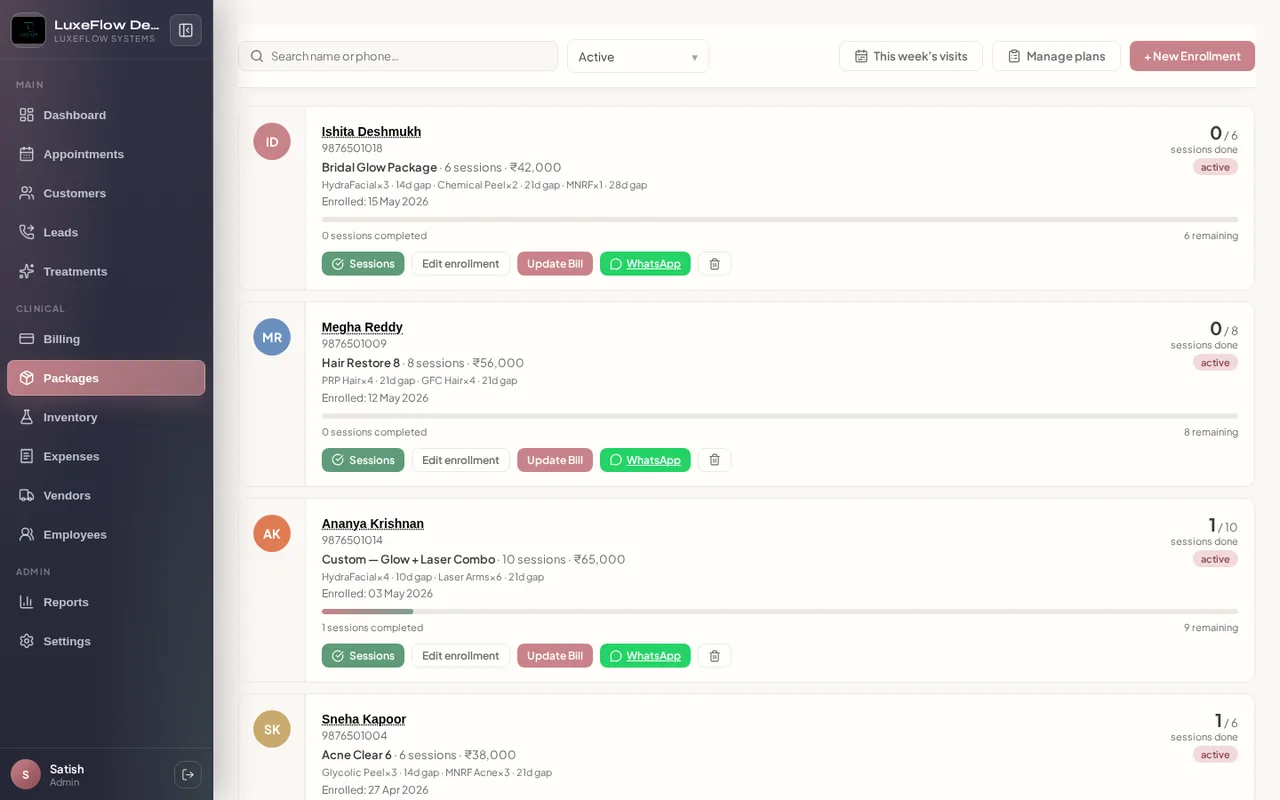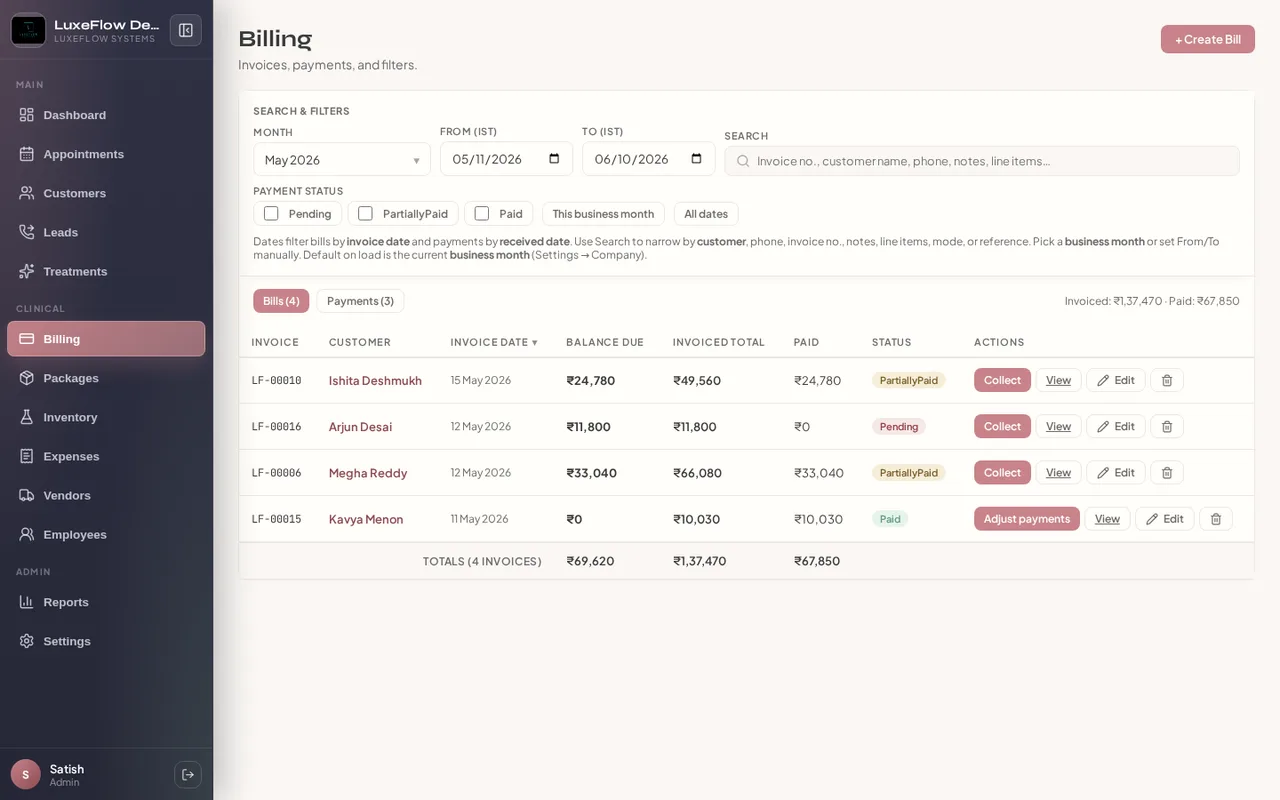
Complete patient management
Demographics, medical notes, consent, treatment plans, and before/after photos in one chart — from first inquiry through follow-up.
Platform capabilities
Generic salon tools miss medical charting. Heavy hospital EMRs overwhelm injectables and laser workflows.LuxeFlow Systems is designed for the middle ground: comprehensive patient and operations management without unnecessary complexity.
The same framework clinics use to compare aesthetic software — mapped directly to LuxeFlow modules.
Demographics, medical notes, consent, treatment plans, and before/after photos in one chart — from first inquiry through follow-up.
Calendar and list views, practitioner filters, package-linked sessions, and reminders that cut no-shows and idle chair time.
Treatment library, package enrollments, session tracking with practitioner attribution, and client digital signatures when visits are marked complete — consent and delivery on the same record.
GST invoices, partial payments, stock with batch tracking, vendor POs, and clinic P&L — without a separate accounting patchwork.
IST-aware collections, week and month progress charts, role-based access, login IP allowlisting on the platform, and a central admin layer to provision new clinic tenants.
Screenshots from the live ERP — not mockups.
Before you commit, walk through these steps with your front desk, counselors, and owners.
List where scheduling, charting, billing, and inventory break today — front desk, counselors, and owners should weigh in.
Walk through the live demo with real modules: packages, appointments, CRM, and reports — not a slideware tour.
LuxeFlow supports role-based access so reception, practitioners, and managers each get the screens they need.
Provision isolated tenant databases and subdomains from the LuxeFlow admin control panel when you onboard new locations.
15 modules shipping in LuxeFlow today.
Convert inquiries into loyal patients with full communication history.
Module details →Structured treatment estimates with statuses, notes, and follow-up before the patient enrolls or pays.
Module details →Campaign attribution, reactivation, and messaging hooks.
Module details →Watch how LuxeFlow handles your workflows — packages, calendar, CRM, and owner reports — on demo.digiscorp.online.
Book a demo